

Introduction
Selling digital products should be simple, yet many creators struggle with complicated store setups, technical barriers, and hidden costs. Most e-commerce platforms focus on physical goods, leaving digital creators frustrated with unnecessary features and difficult configurations.
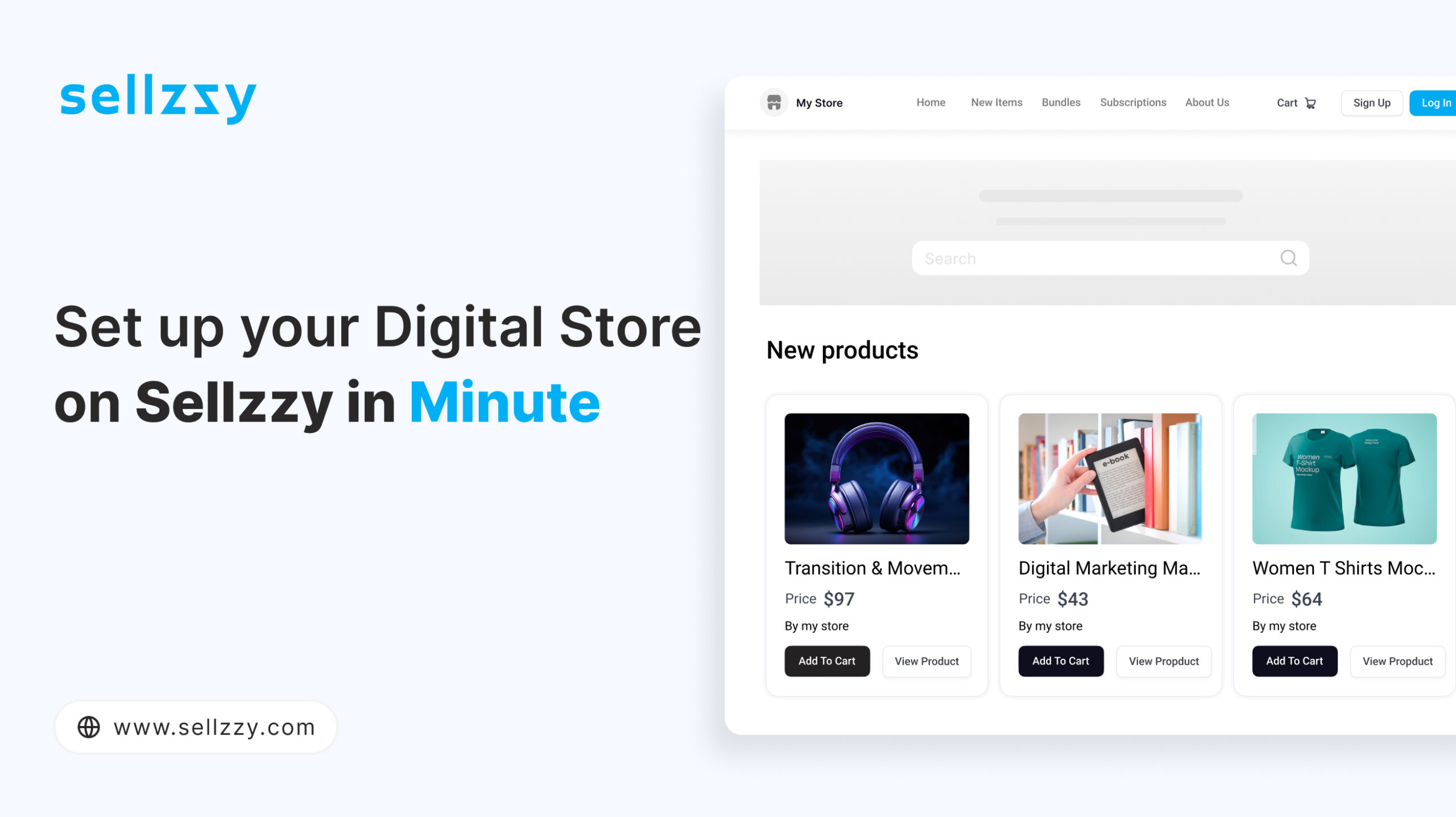
This is where Sellzzy shines—a platform designed specifically for digital creators. With Sellzzy, you can launch a fully functional online store in just a few minutes, without any technical expertise. Let’s walk through the effortless process of getting your store up and running.
Why Digital Creators Struggle with Store Setup
Many creators face challenges when trying to sell digital products online:
❌ Complex Setup – Configuring hosting, domains, and payment gateways can be overwhelming.
❌ Time-Consuming Process – Most platforms require extensive customizations and third-party plugins.
❌ Lack of Digital-Specific Features – Selling digital products should be seamless, but many platforms focus on physical goods.
❌ High Costs – Additional expenses for developers, plugins, and hosting can eat into your profits.
Sellzzy eliminates these hurdles, offering a streamlined solution tailored for digital creators.
How to Set Up Your Sellzzy Store in Minutes

Step 1: Sign Up & Access Your Dashboard
Getting started with Sellzzy is incredibly easy:
1️⃣ Visit Sellzzy
2️⃣ Enter your email and set a password
3️⃣ Choose your store name
4️⃣ Provide basic details like address and country
5️⃣ Click Sign Up and instantly access your dashboard
Once inside, you’re ready to set up your store with just a few simple steps.
Step 2: Complete Your Store Settings
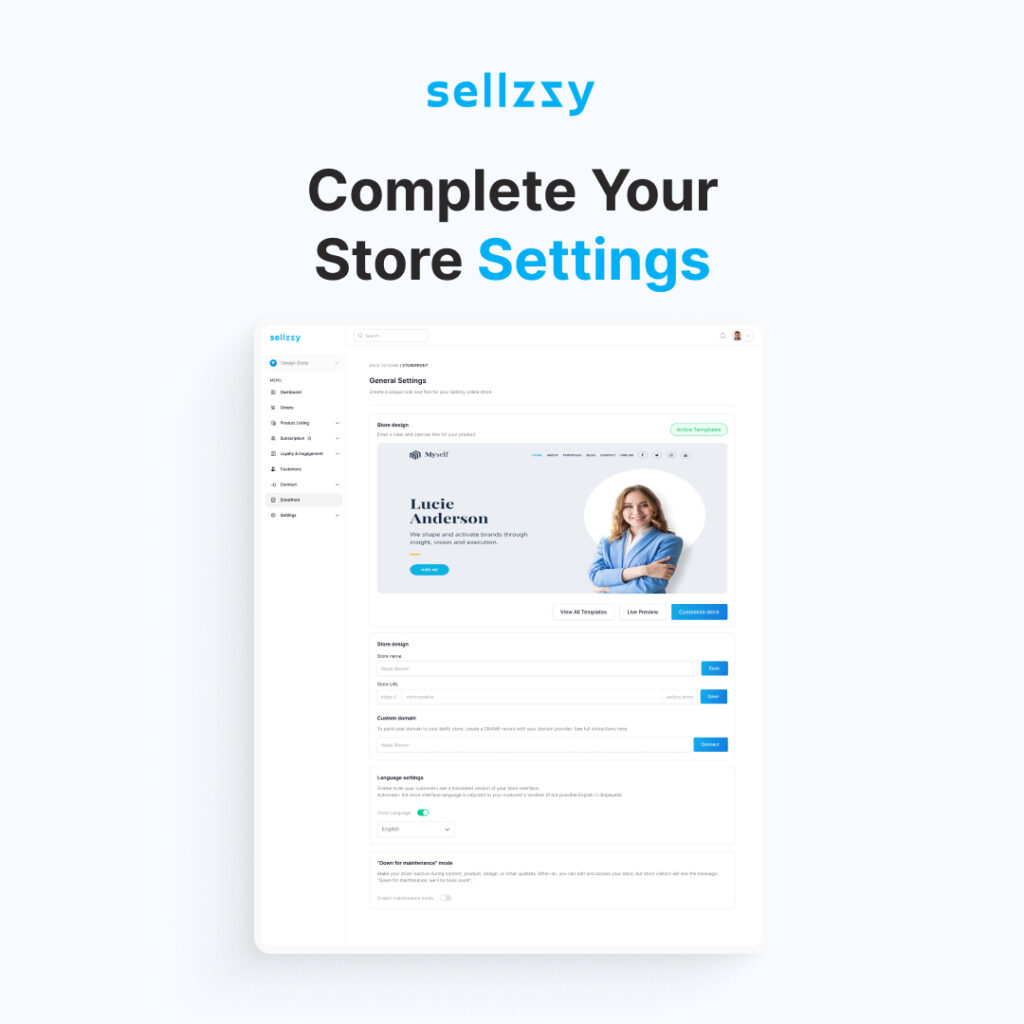
Customize your store to reflect your brand and enhance the shopping experience:
✔ Upload your logo and banners
✔ Choose brand colors and themes
✔ Connect a custom domain for a professional look
Step 3: Connect Storage & Payment Methods
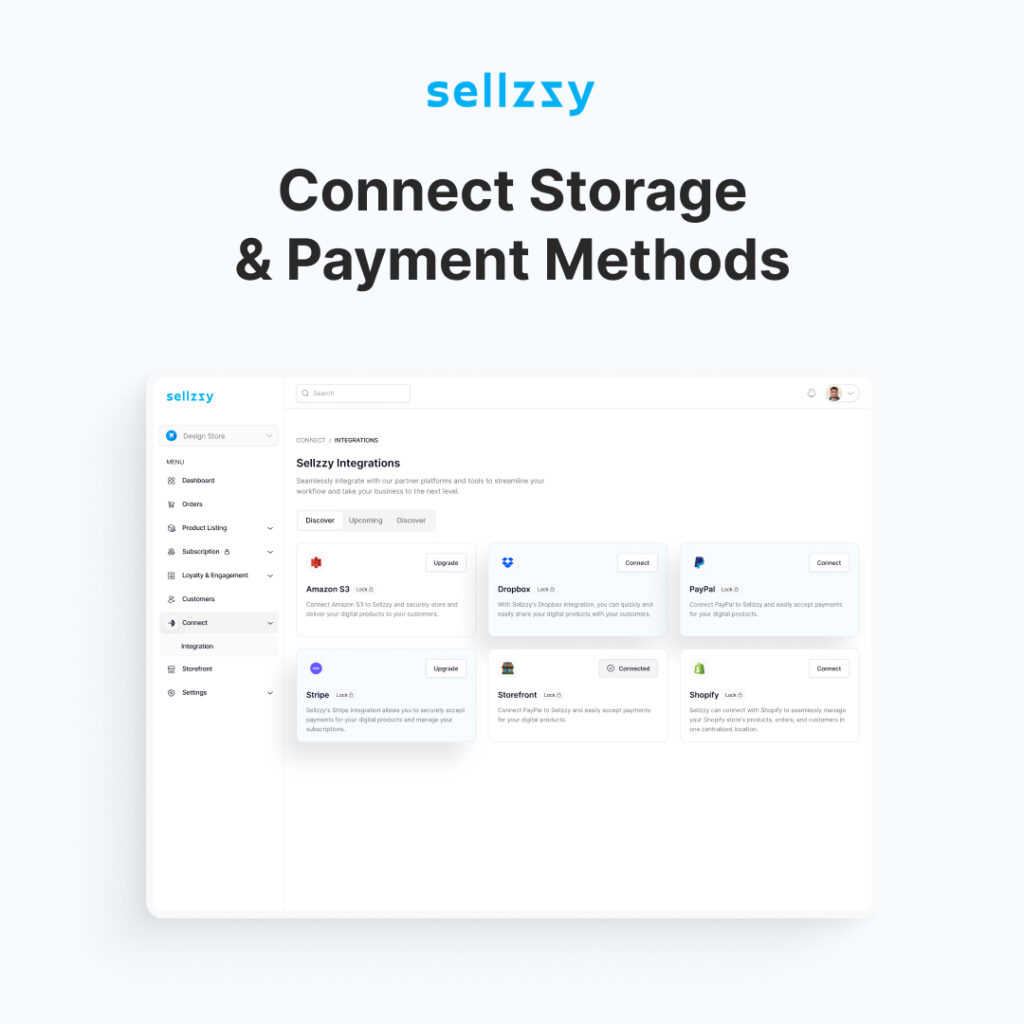
To ensure smooth transactions and secure file delivery:
📂 Connect Your Own Storage – Integrate with dropbox or amazone s3 storage to host your digital products efficiently.
💳 Set Up a Payment Gateway – Connect payment method Paypal, Stripe or sslcommerz to start receiving customer payments seamlessly.
Step 4: Add Your Digital Products
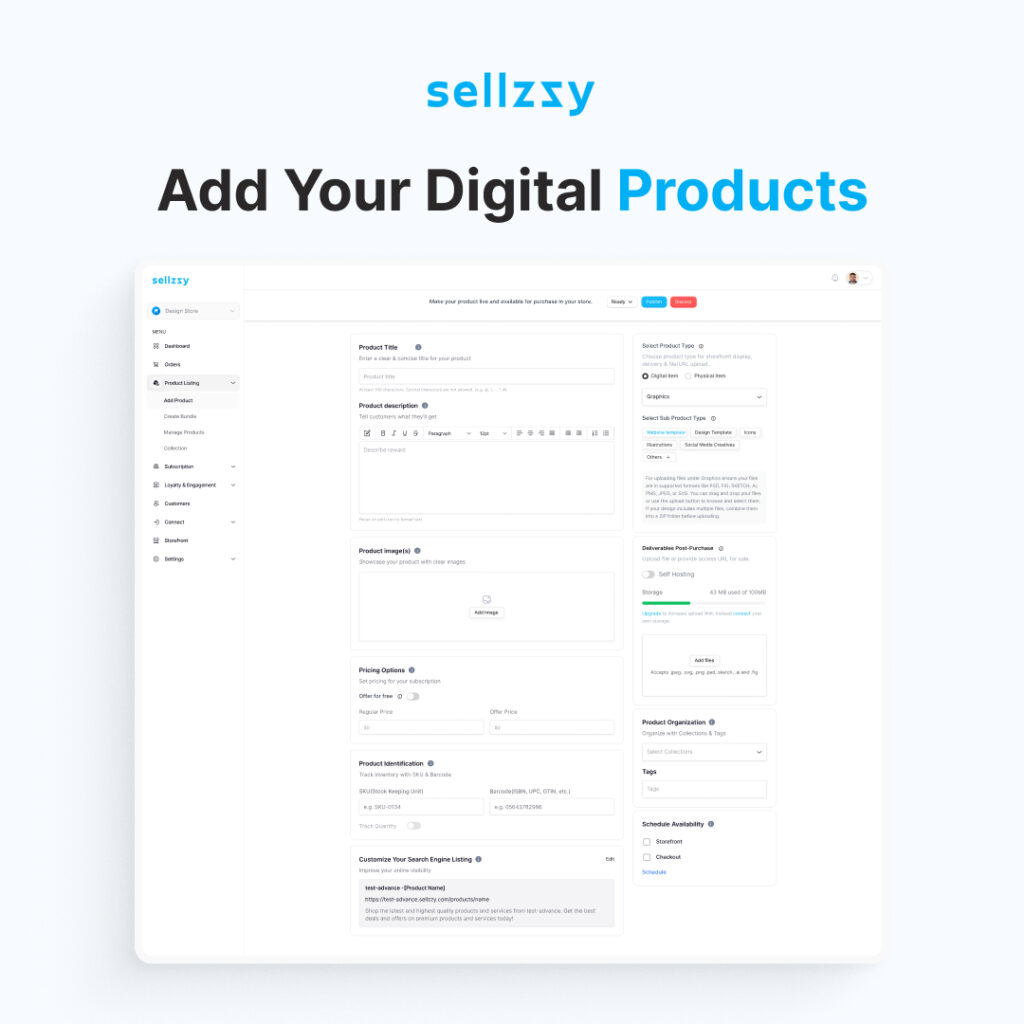
Now, it’s time to list your digital products:
📌 Upload files (e-books, music, templates, videos, software, etc.)
📌 Add product descriptions and high-quality images
📌 Set pricing and product type
📌 Customize the SEO listing for better search visibility
📌 Enable smart checkout for instant digital delivery
With Sellzzy’s intuitive product management system, adding and organizing your items is quick and effortless.
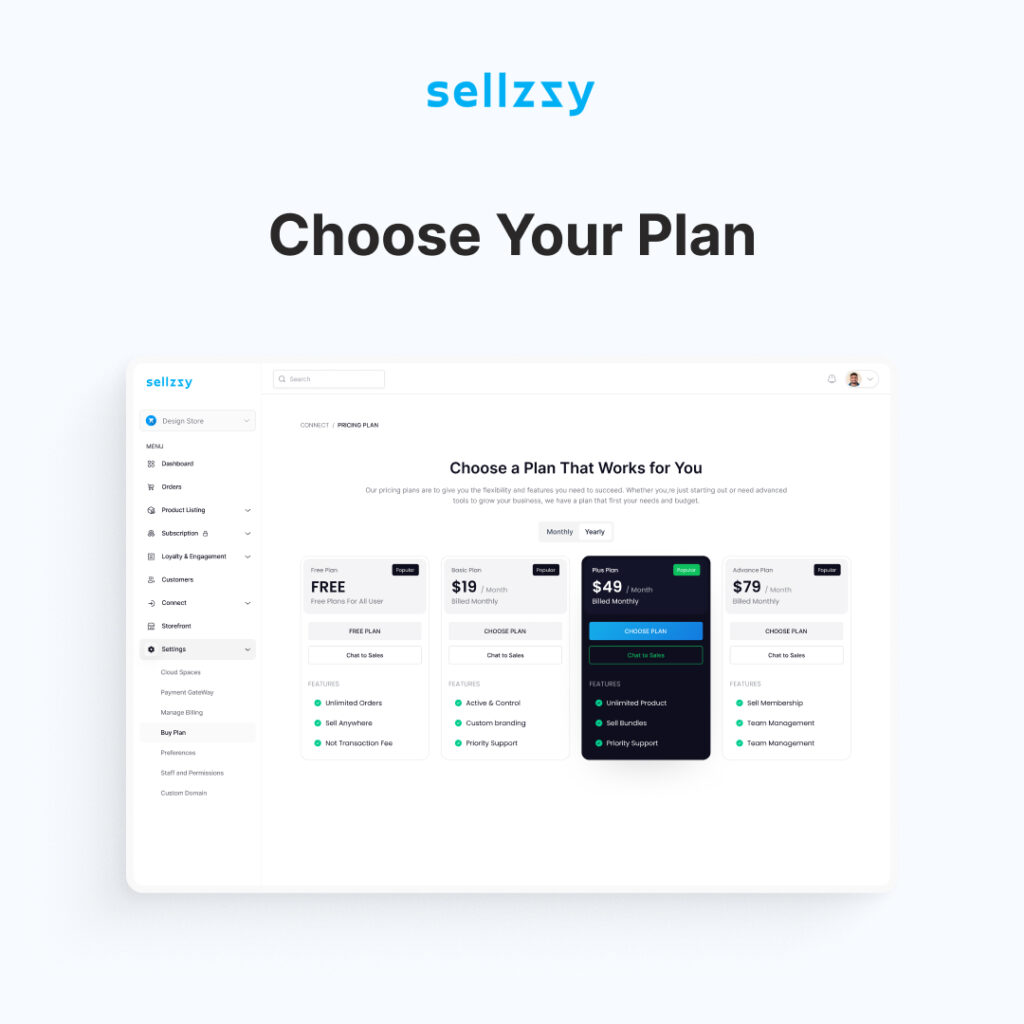
Step 5: Choose Your Plan
Select the pricing plan that best suits your needs. Whether you’re just starting or scaling, Sellzzy offers flexible plans to match your business goals.
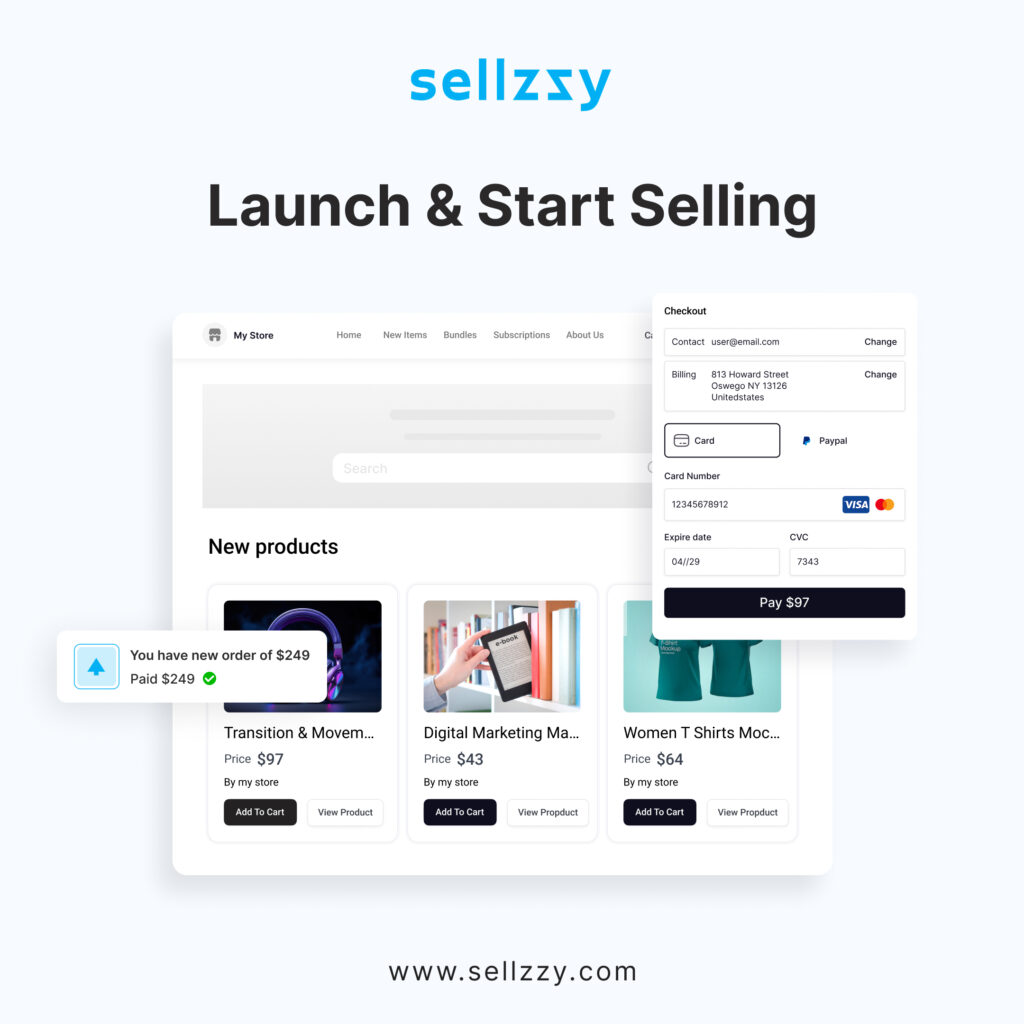
Step 6: Launch & Start Selling
Before going live, preview your store to ensure everything looks perfect. Then:
🚀 Share your store link across social media, email, and websites
🚀 Start receiving payments directly through the integrated payment gateway
🚀 Deliver digital products instantly with Sellzzy’s automated system
Your store is now live—without any coding or technical headaches!
Exclusive Features Designed for Digital Creators
Sellzzy isn’t just another e-commerce platform—it’s built specifically for digital sellers. Here’s what makes it stand out:
🔹 Smart Product Listing & Management – Organize and edit products easily
🔹 Bundle Selling for Increased Revenue – Offer product packages for more sales
🔹 Subscriptions & Memberships – Set up recurring payments for exclusive content
🔹 Custom Domains for Brand Control – Strengthen your store’s identity
🔹 Smart Checkout & Instant Delivery – Automate order processing and delivery
🔹 Integrated Payment Gateway – Accept payments seamlessly
🔹 Intuitive Order Management – Track sales and customer activity
🔹 Customer Dashboard for Engagement – Improve user experience with a dedicated customer portal
🔹 Branded Built-in Storefront – Professional, customizable storefront with no extra setup
With these features, you’re not just launching a store—you’re building a scalable business with all the tools you need for success.
Conclusion
Launching an online store shouldn’t be a frustrating experience. With Sellzzy, digital creators can skip the technical headaches and focus on what truly matters—creating and selling their products.
In just a few simple steps, you can go from signing up to selling online, with a professional storefront and powerful built-in features. Whether you’re a designer, writer, musician, or developer, Sellzzy gives you everything you need to start and scale your business effortlessly.
👉 Ready to launch your store? Sign up on Sellzzy today! 🚀